
.svg)
.svg)


1
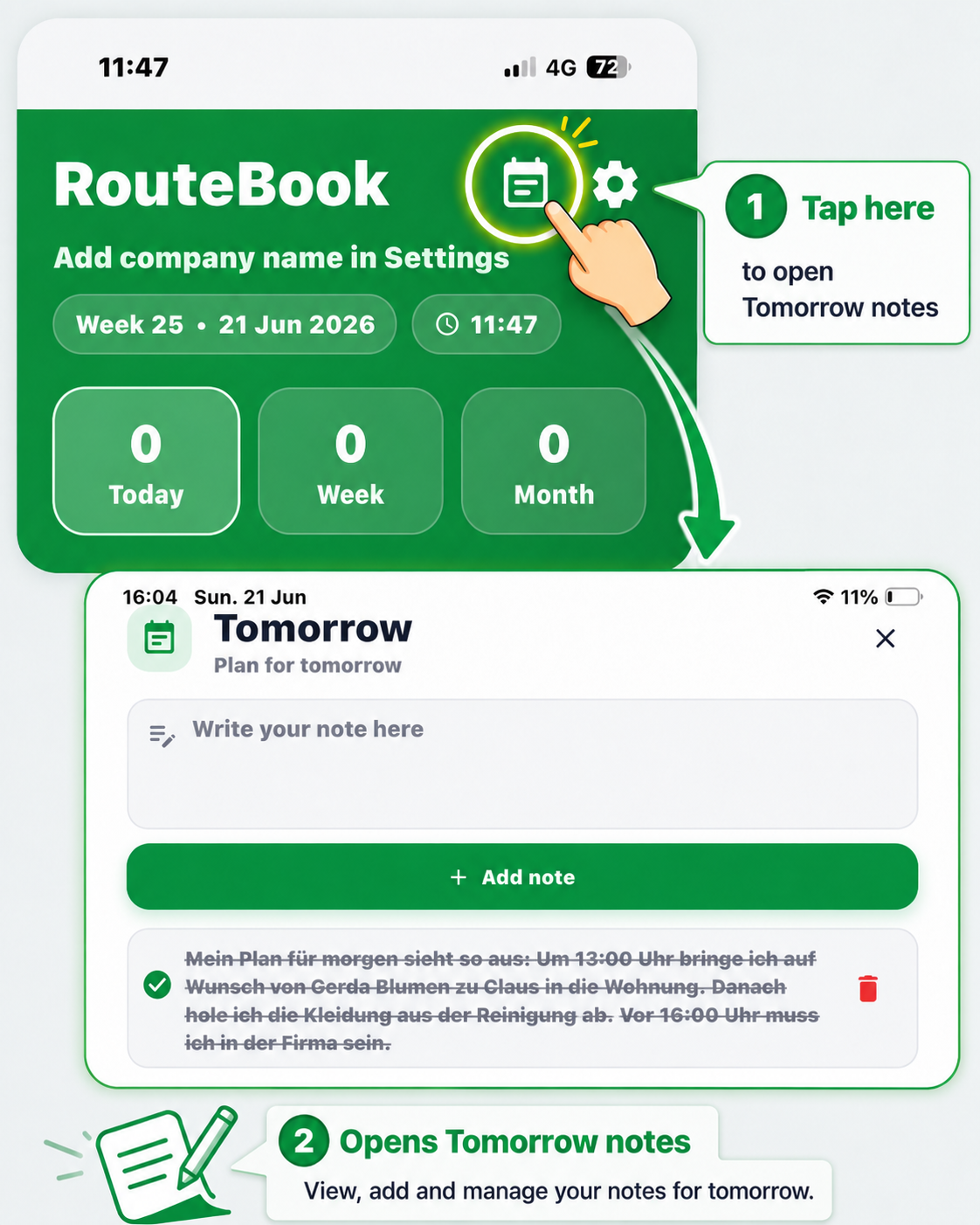
Tomorrow Notes
Write reminders for the next day and keep important tasks visible before work begins.

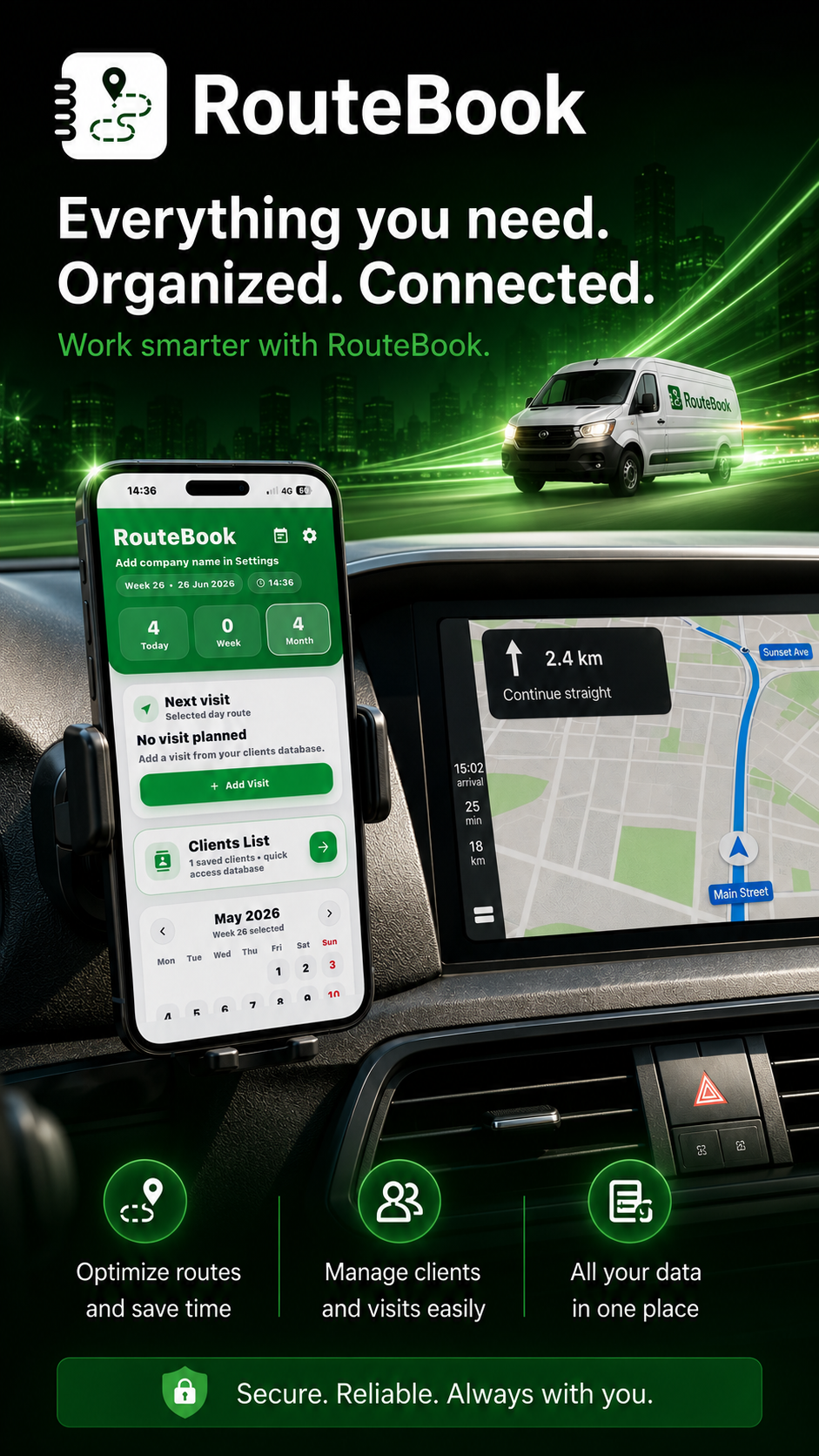
Plan your routes, manage customers, track visits and keep your entire workday organized in one simple app.
.png)
.png)
.png)

The Apple app and the website are two separate versions with separate subscriptions.
Explore each feature, see where to find it and learn how RouteBook helps you save time, reduce stress and stay in control.
Write reminders for the next day and keep important tasks visible before work begins.
.png)
Save your company details, starting address, vehicles and app preferences.

Find saved clients, addresses, phone numbers and notes in seconds.
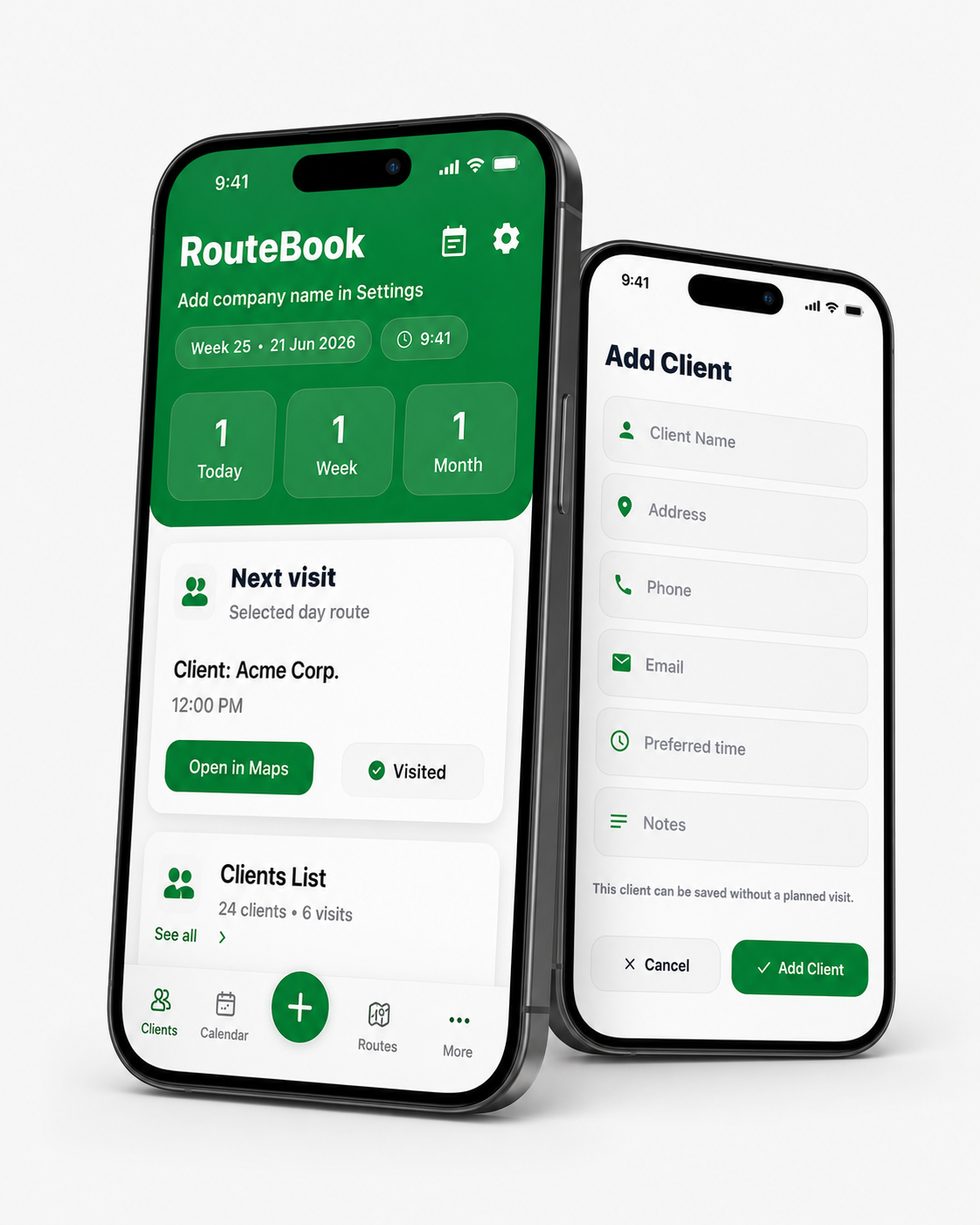
Add a client with address, phone, email, preferred time and notes — even without a planned visit.
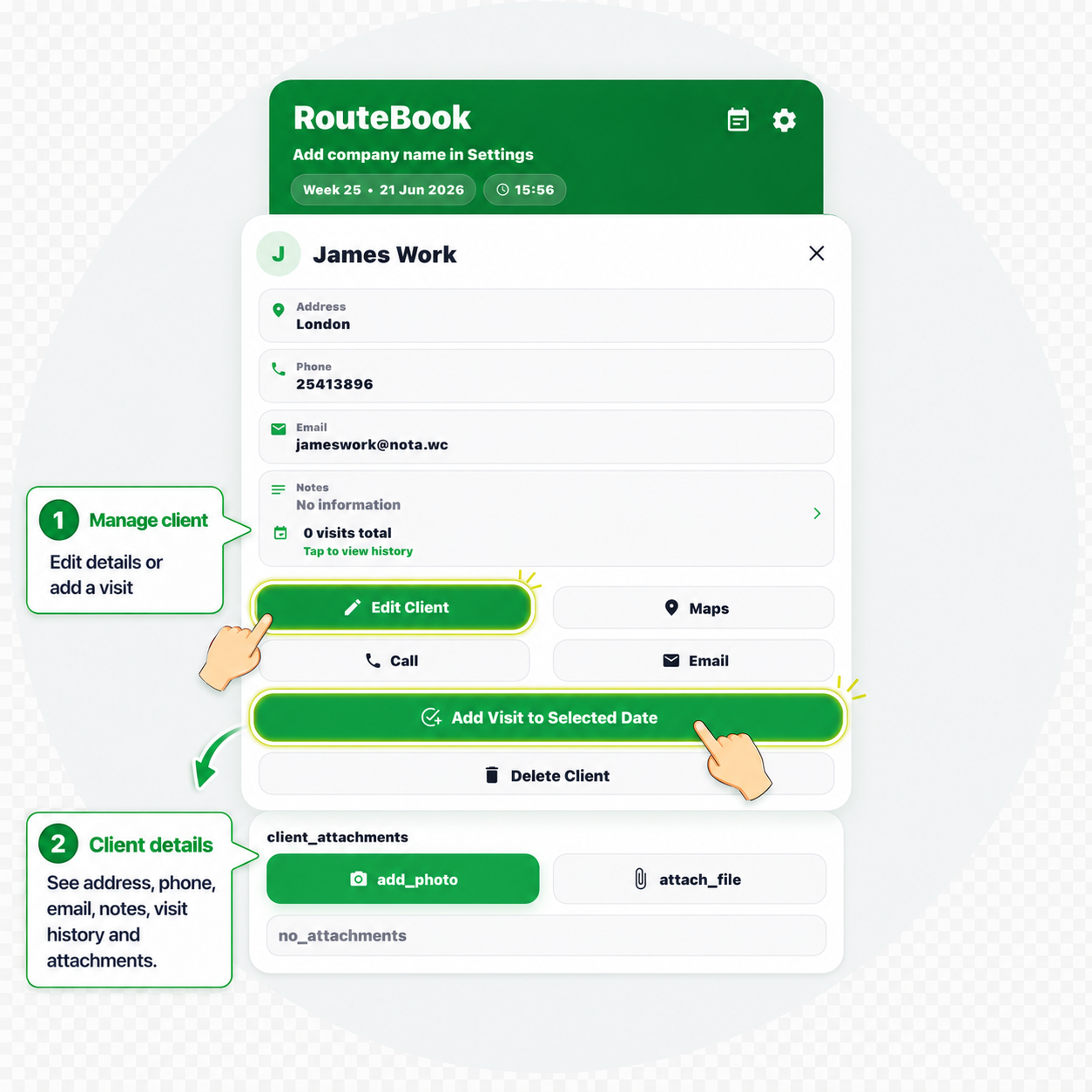
Open one profile to call, email, navigate, edit details and review connected information.
.png)
Choose a date and add or remove saved clients from that day with one tap.
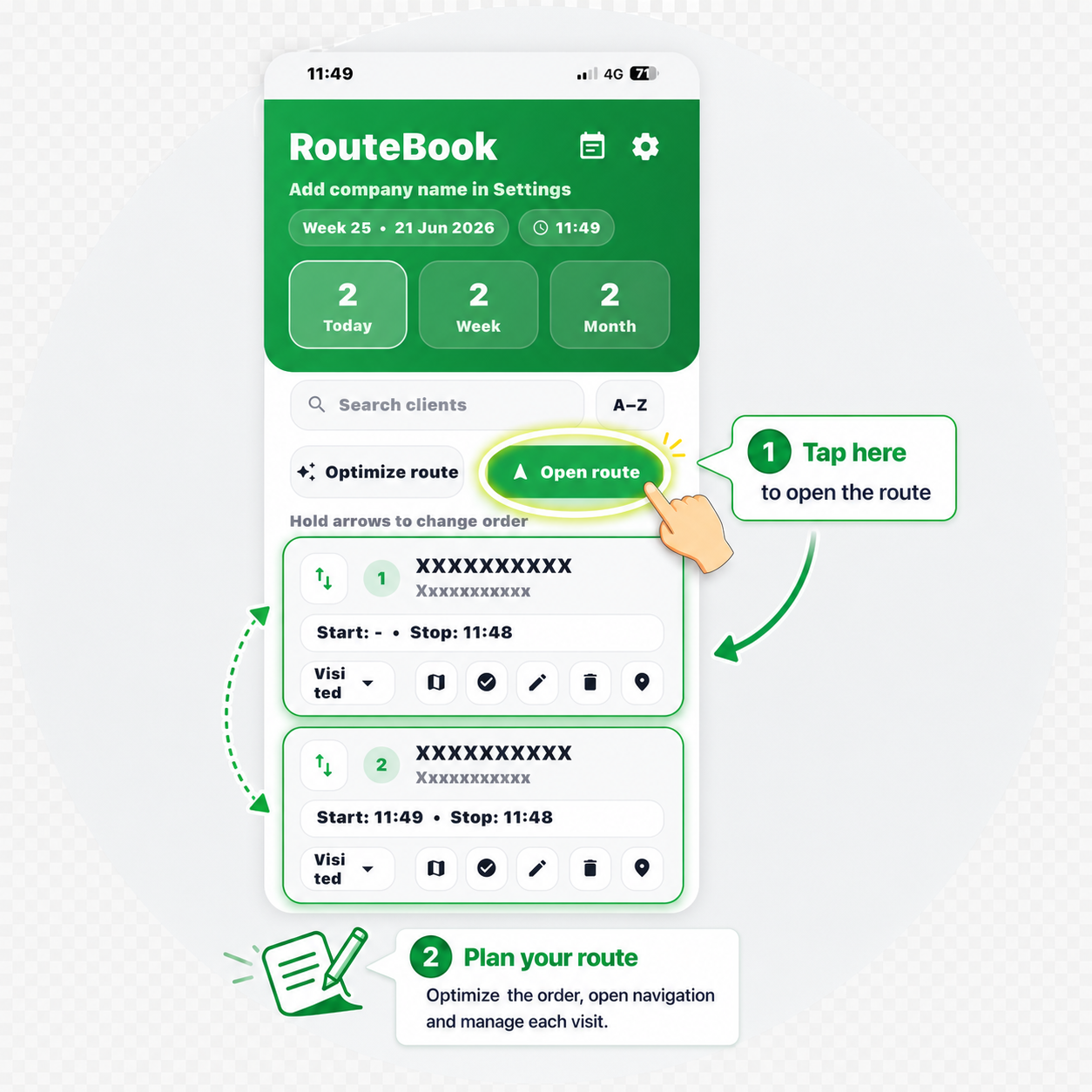
See every planned visit, change the order and manage the full working day.
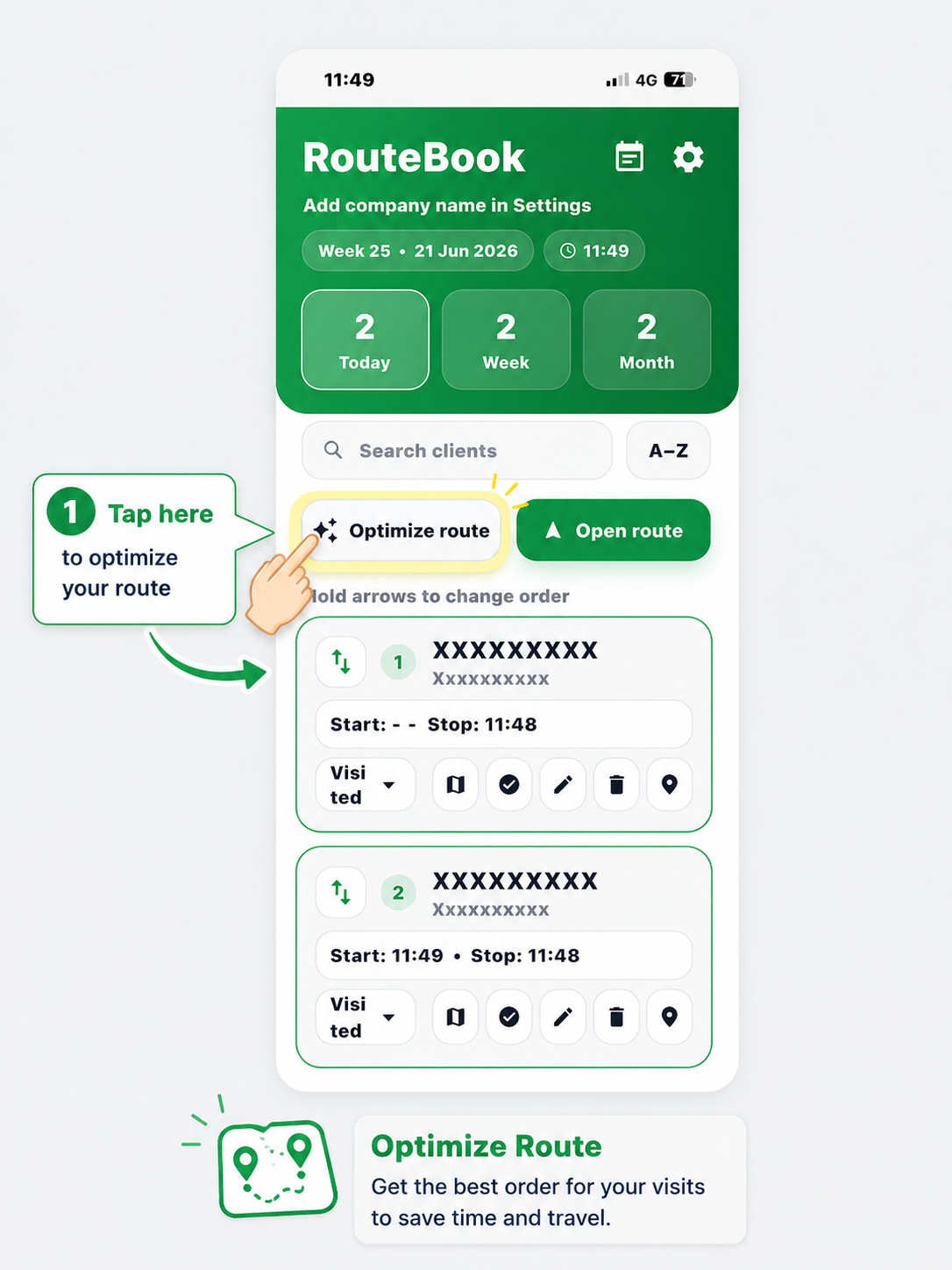
Get a smarter visit order to reduce unnecessary driving and save time.
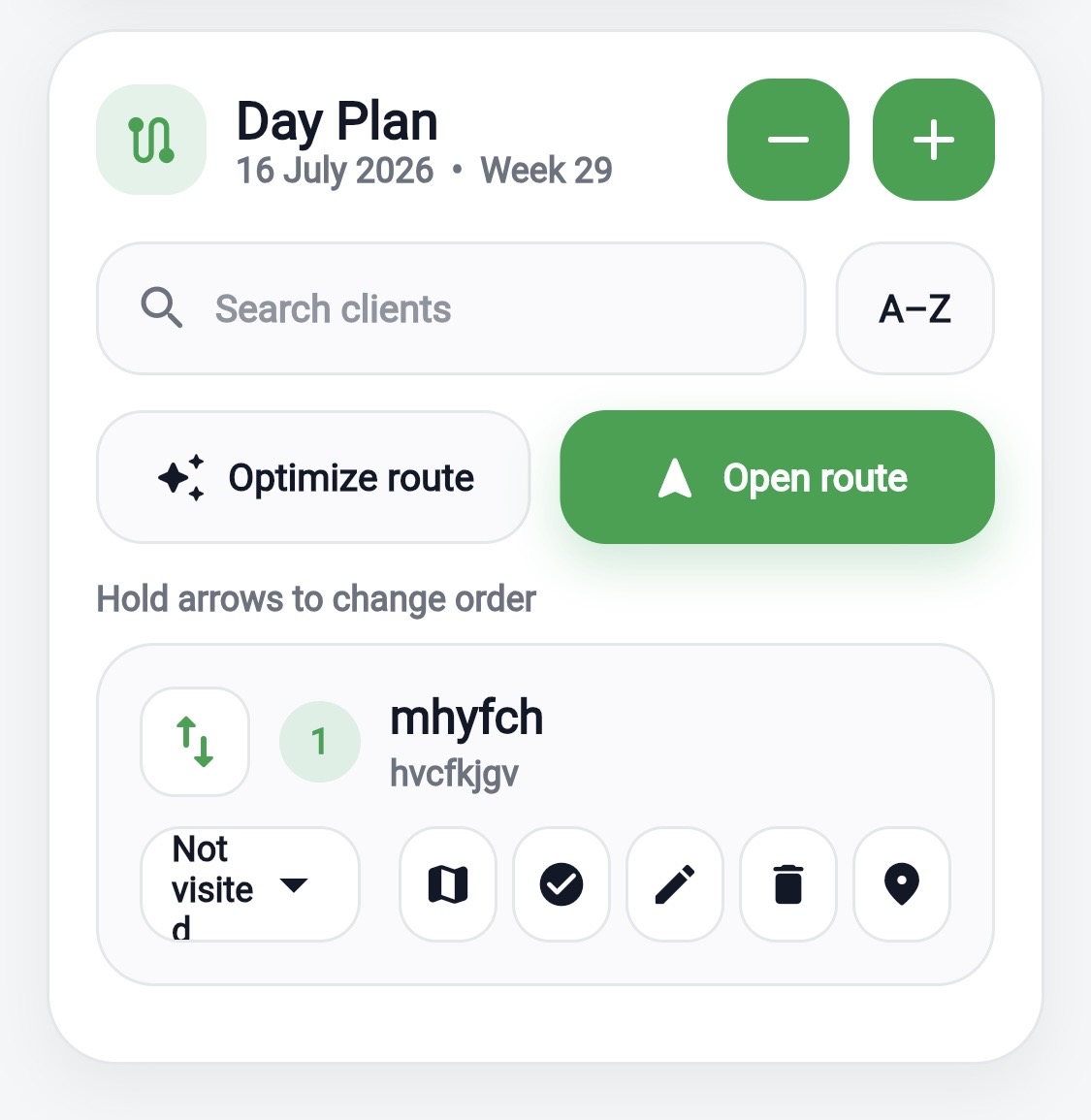
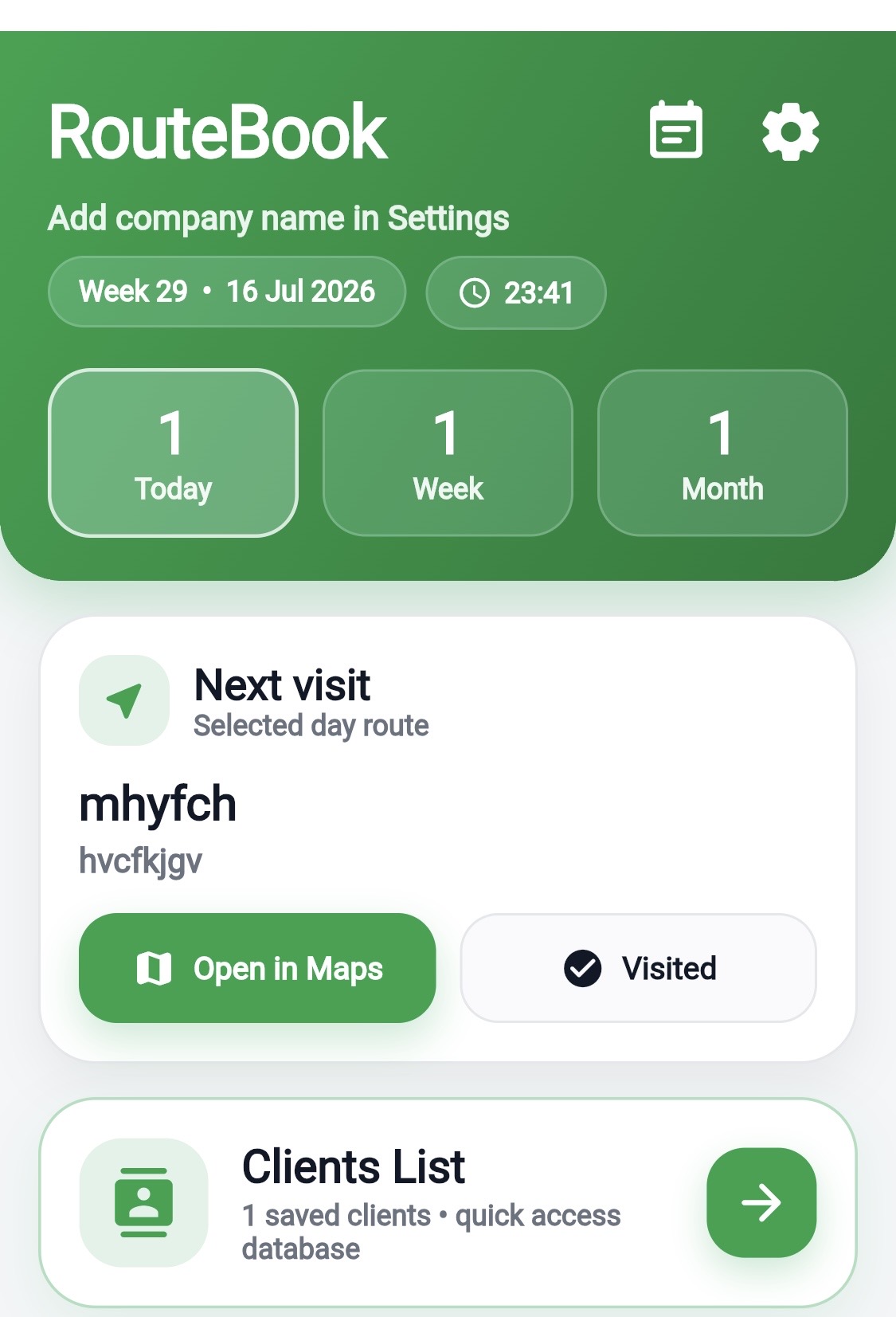
Open the complete route or navigate directly to the next client.
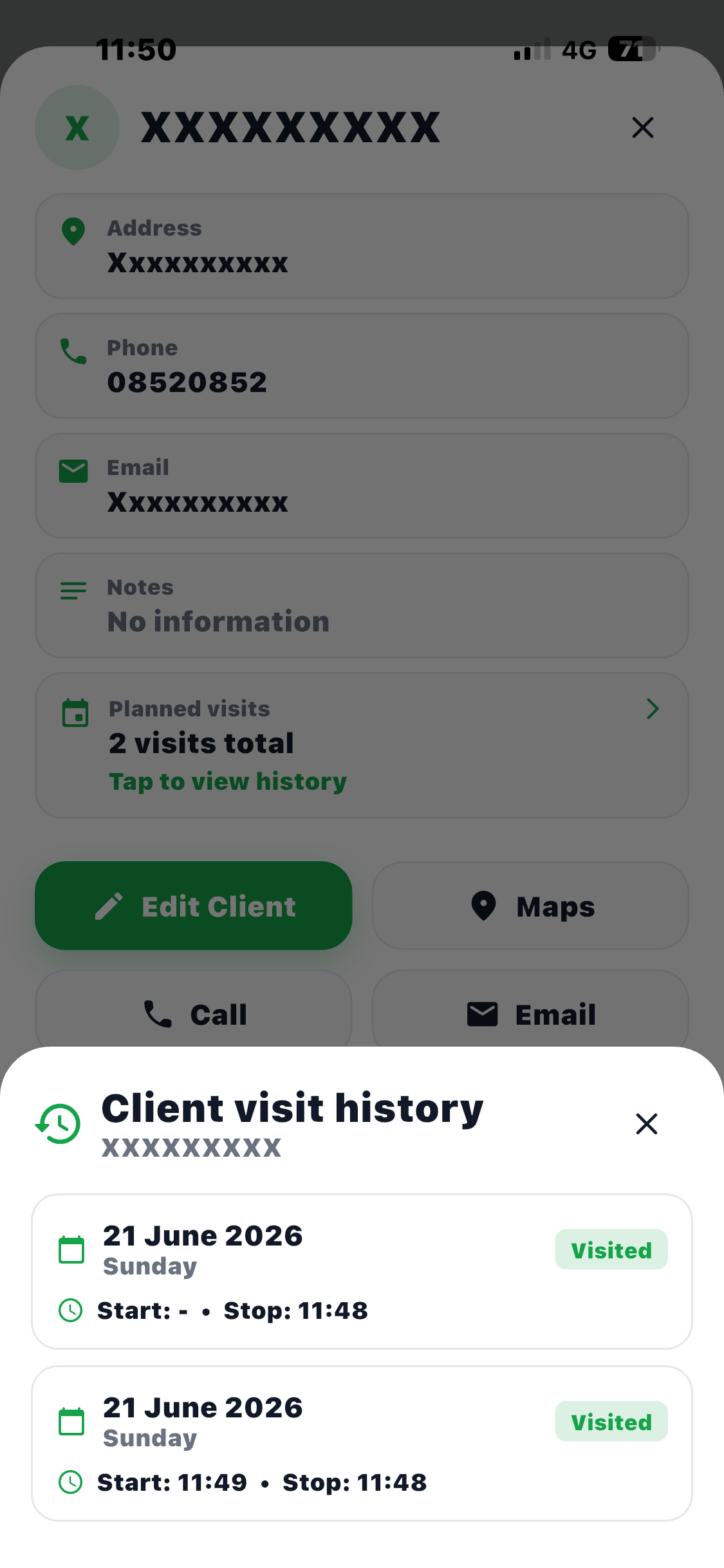
Review previous and planned visits connected to the correct client.
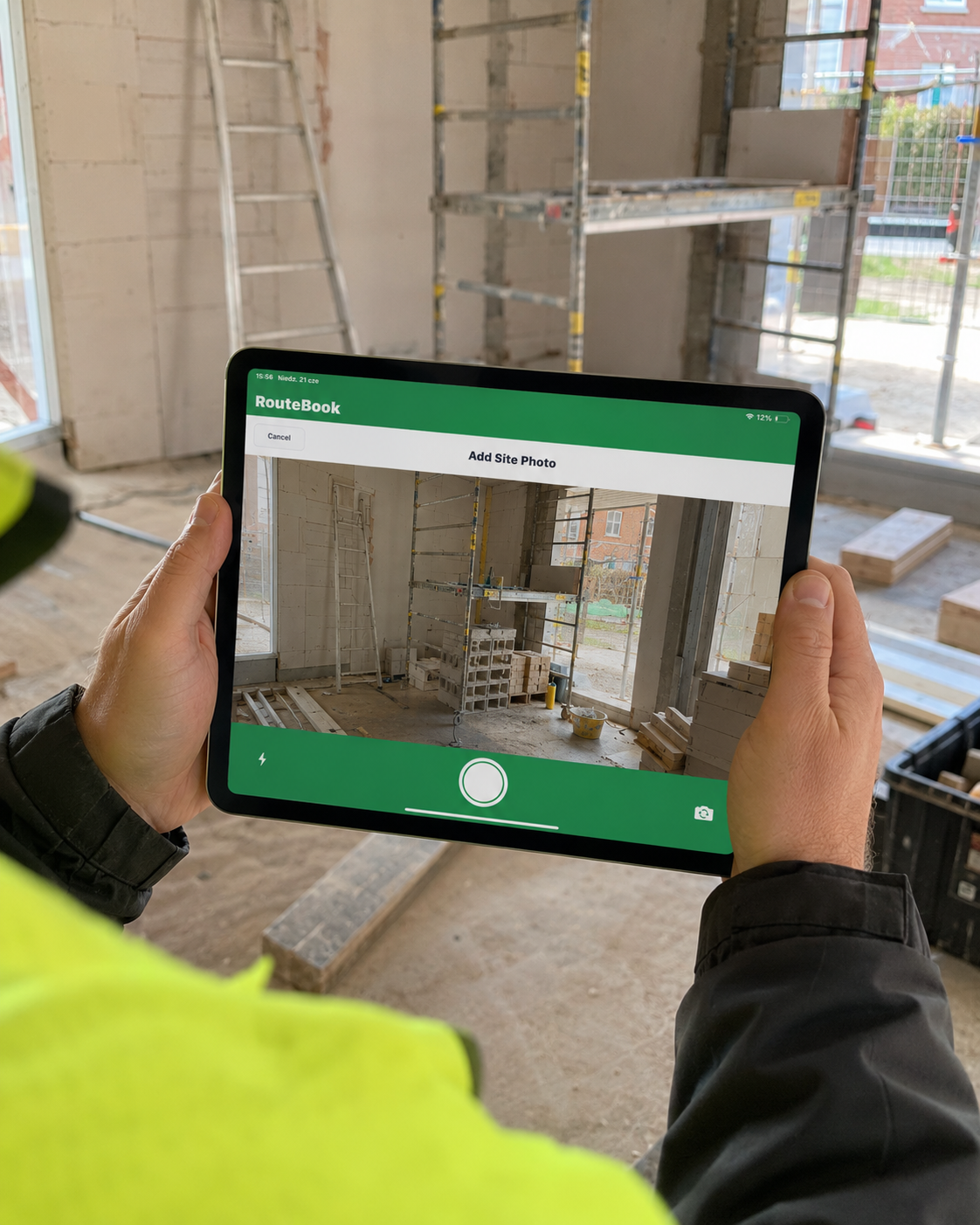
Keep job photos, documents and important files inside the client profile.
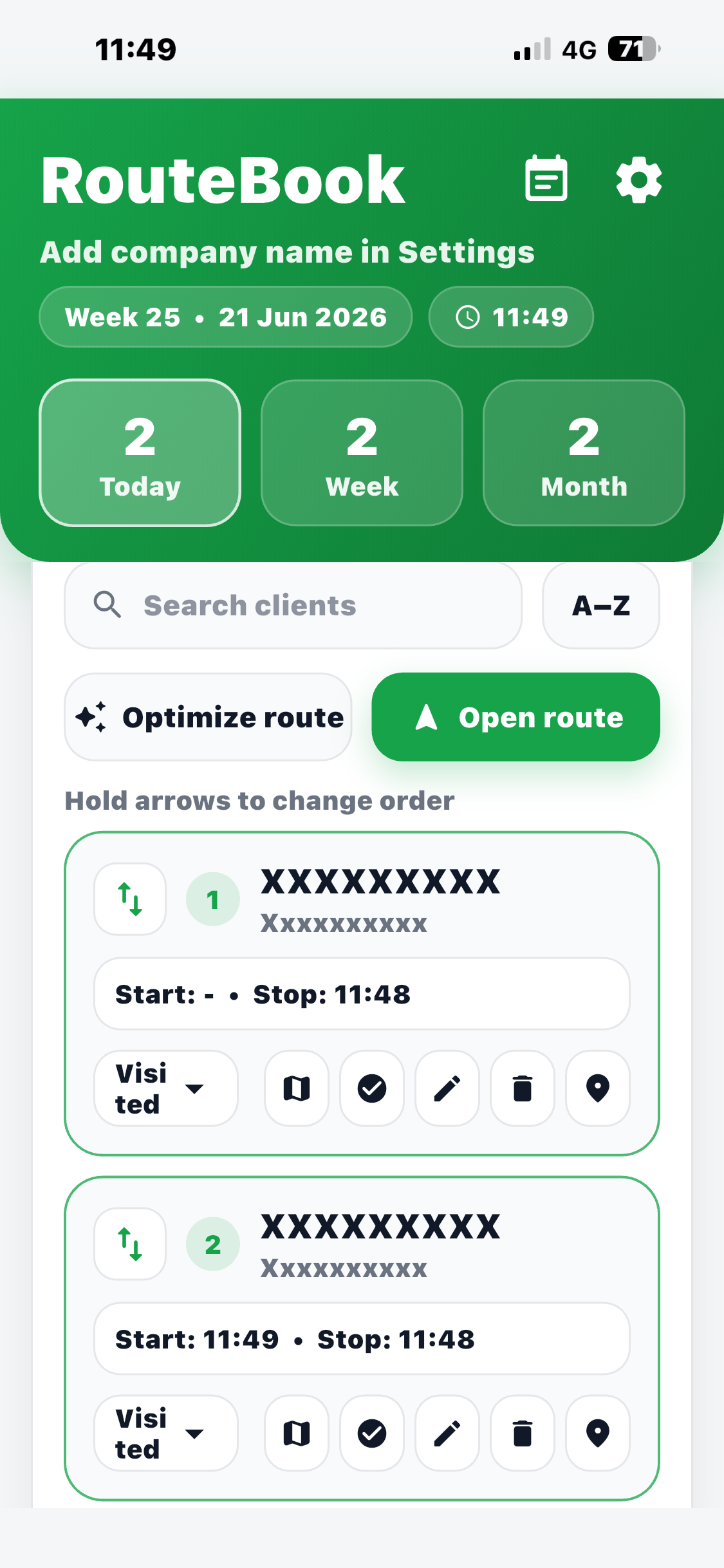
Mark visits as completed, skipped or call first and review recorded work times.
.png)
Plan smarter routes, reduce unnecessary driving and keep every important customer detail connected in one clear place.
.png)
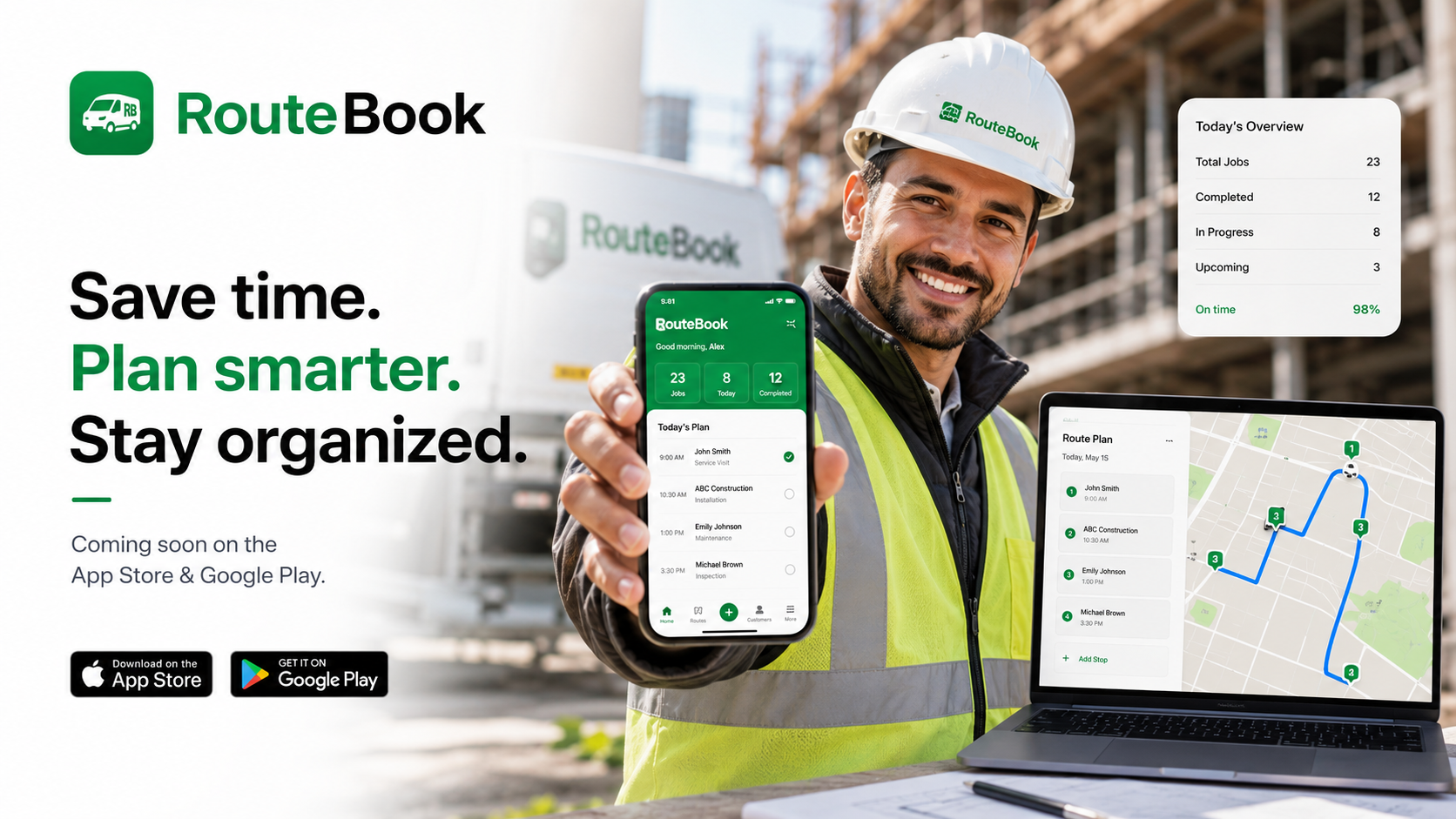
Stop searching through your phone, inbox and paper folders. Save important work information directly inside the right customer profile.
Your RouteBook information stays connected to your private account and can be synchronized across your devices.
Review earlier visits and quickly find information connected to the correct client.
Attach relevant work files to client profiles so they are easier to find later.
Customers create an account with their own email address and password. Their clients, routes, notes, photos and documents remain private and connected only to their account.
A new customer registers with an email address and password and starts a 7-day free trial.
Every customer sees only their own information. Sharing the public website link does not share private data.
Stripe will handle subscription payments, card changes, invoices, cancellation and reactivation.
Every new account receives 7 days of full access. After the trial, choose a monthly or yearly subscription.
Plan visits, manage customers, open routes and keep important information together with RouteBook.
